
General Ledger
The General Ledger puts all your accounts on one page: for each account that has entries in the date range, a band with its name, then its entries, with their debit, their credit and the balance after each one. It’s the view to print when you need everything, or to look for an entry without knowing its account. To open it, press Ctrl+T for a new tab, then 4.
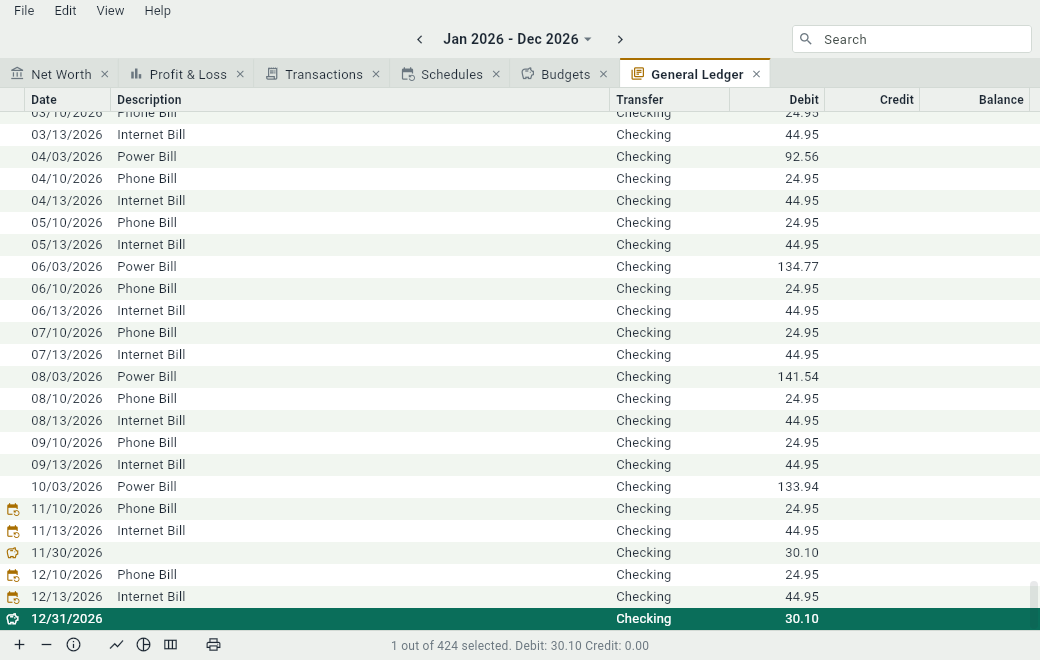
The rows read like those of the tab of an account, with Debit and Credit in place of Increase and Decrease: an asset or an expense grows with a debit, a liability or an income with a credit. As in the tab of an account, an asset or a liability starts with its Previous Balance, and every account ends with its TOTAL.
You can change the entries here as in the tab of an account, add a transaction with Ctrl+N, and open the details of one with Ctrl+I. The order of the rows is the order of the accounts, then of the dates: the General Ledger can’t be sorted by another column.